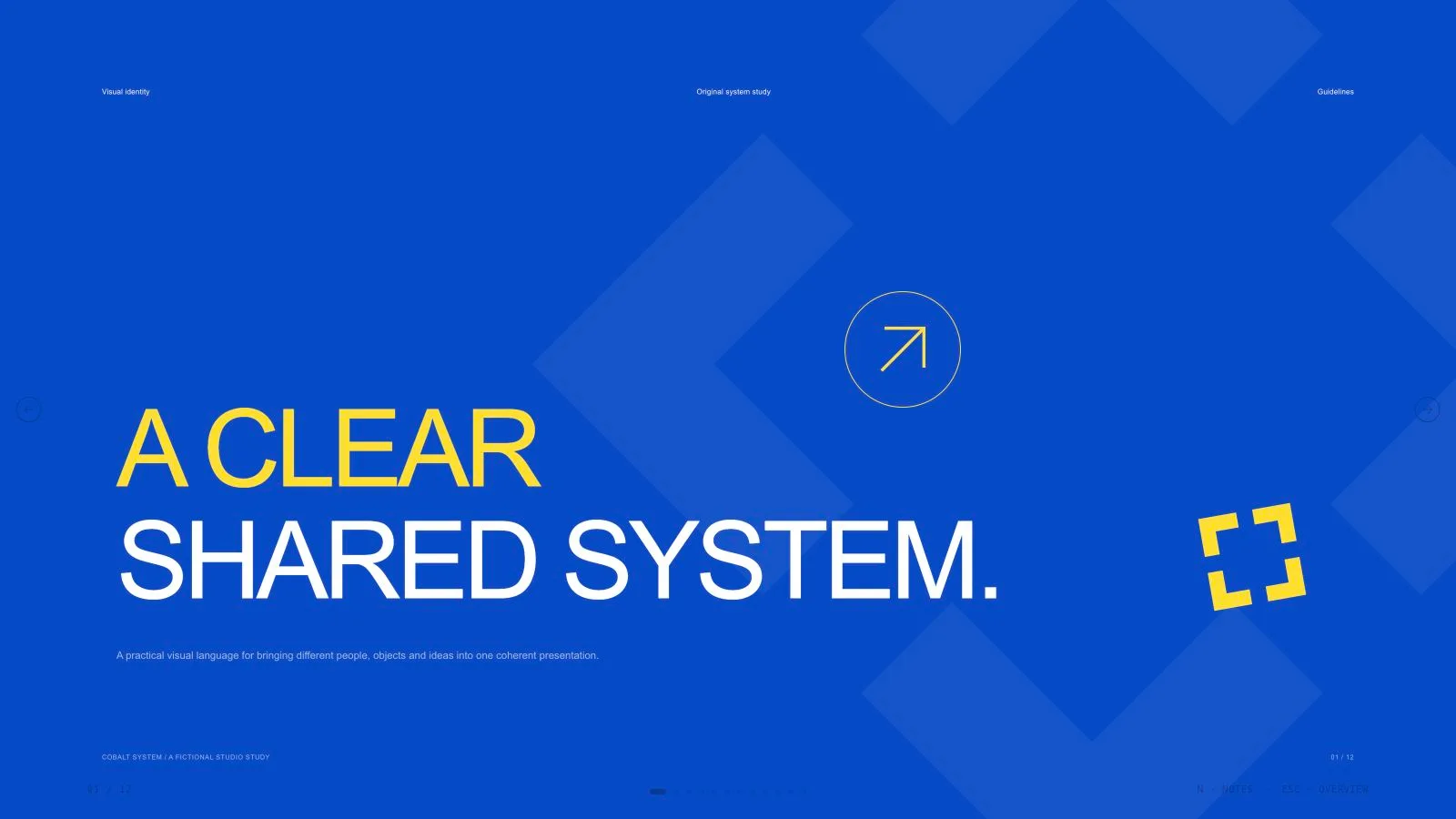
Cobalt System Deck


 +7
+7Use this Skill to create presentation.
HOWAI / A LIBRARY OF POSSIBILITIES
Discover AI-made work and the reusable Skills behind it. Find a method. Make it yours.
New to Skills? Start with the field guide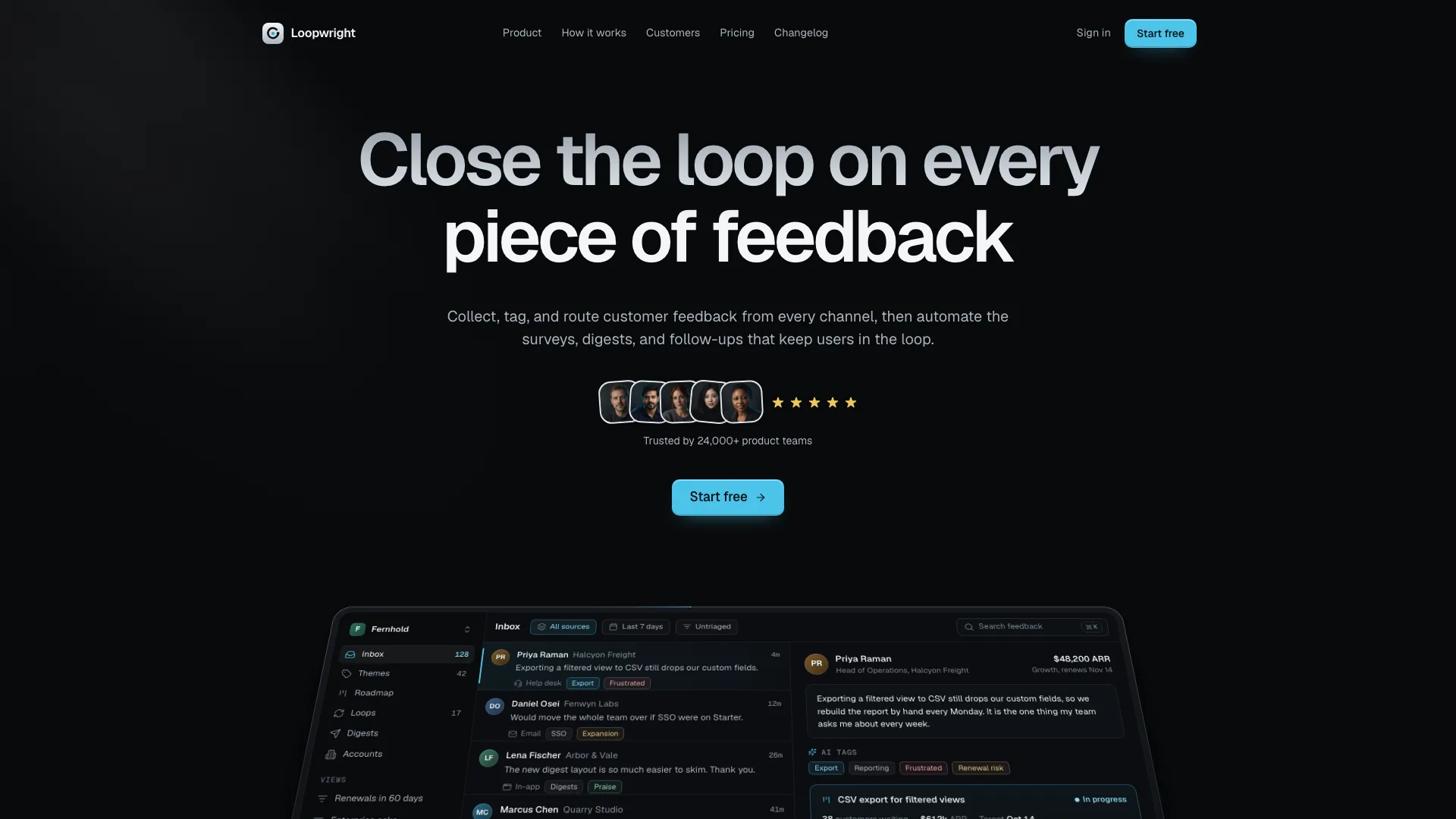
Follow one product request from capture to a useful result instead of presenting a sequence of unrelated dashboard mockups. Cadence Marketing Landing uses charcoal surfaces, cyan actions, silver-gradient headlines and product UI that stands upright as visitors scroll. Its fictional Loopwright feedback workspace links the hero, feature demonstrations, workflow, customer story and closing laptop screen; adapt that same continuity to your software.

Build a product announcement with room for several supported capabilities and one final reveal. Manus 2.0 Style Launch Video combines a bright porcelain stage, large moving words, black “New” chapter dividers and close views of your actual interface. Landscape imagery and frosted cards provide contrast, while the soundtrack gives the longer keynote-style story its pace.
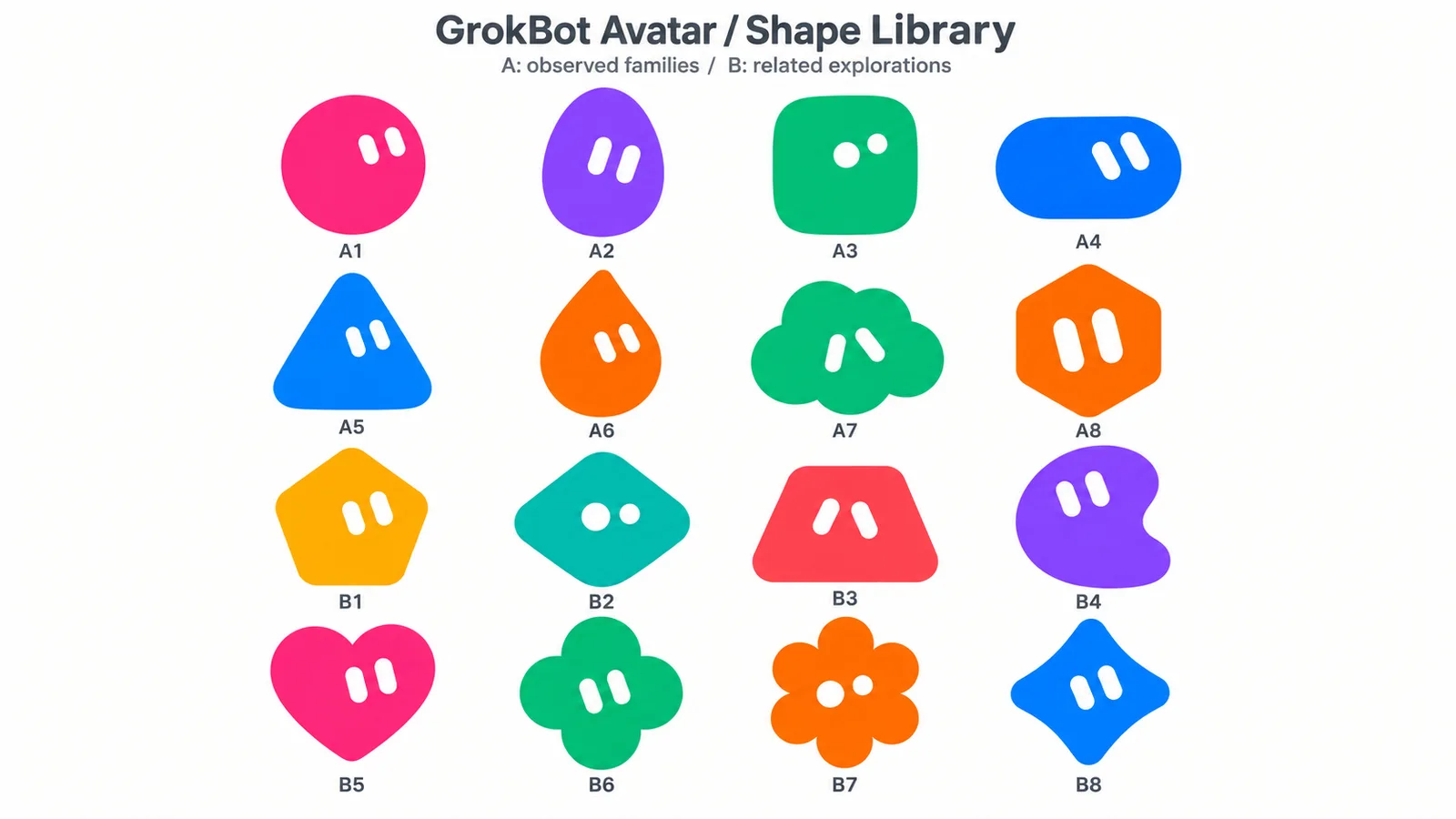
Create either a flat geometric mascot or a small soft-vinyl character portrait, keeping the brief ahead of defaults. GrokBot Avatar defaults to one Original shape with exactly two simple eyes; a requested humanized/Anime direction uses a large rounded toy head, molded hair and matte material. It produces raster images through the available built-in image tool, not an official character system, rig or animation.
A FEW GOOD PLACES TO BEGIN
Landing pages, portfolios and websites with a method behind the design.
Explore websites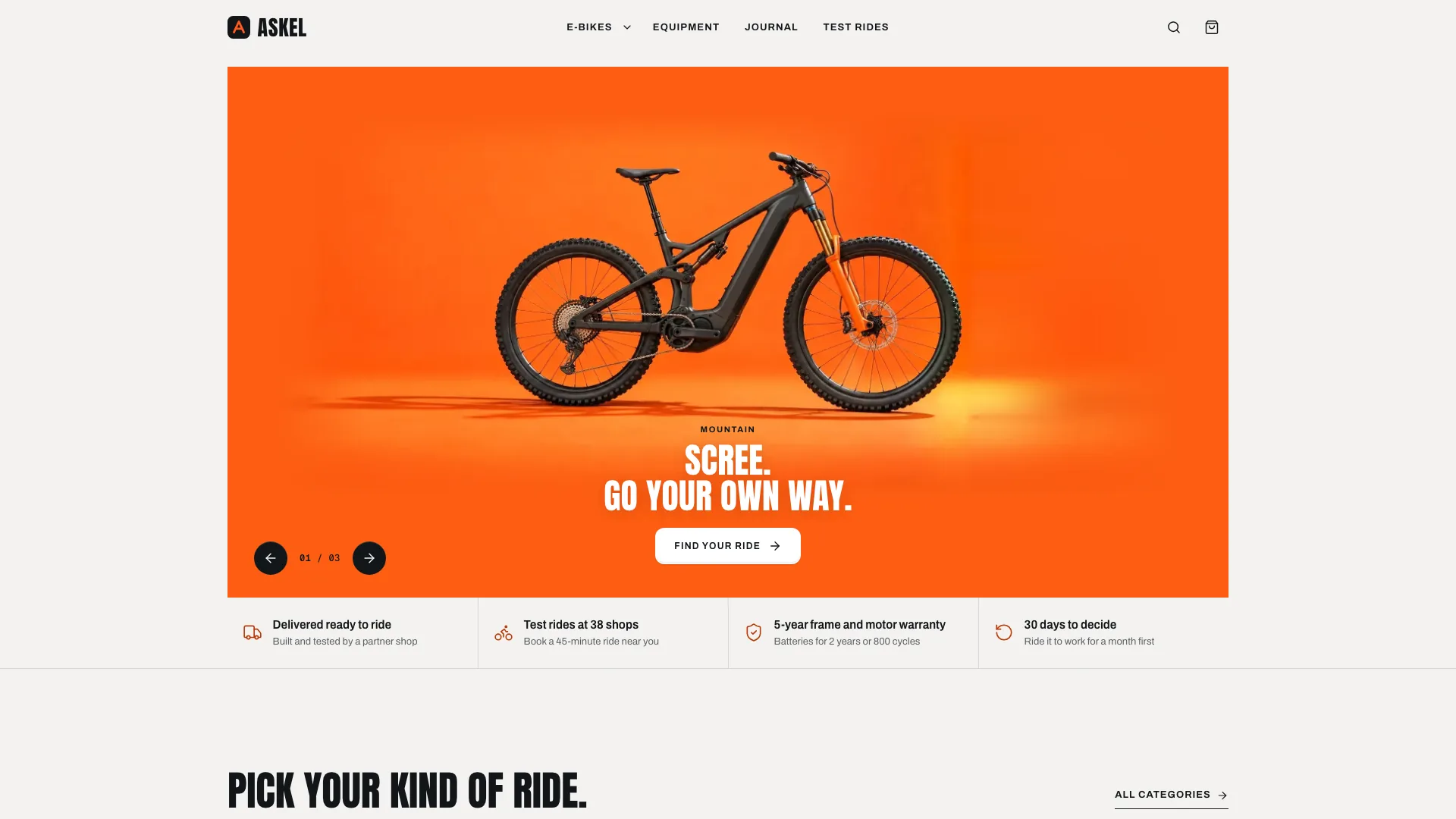
Build a vehicle storefront that can be reviewed from product choice through a sample order. Ember E-Bike Store combines a small centered orange-photo hero, condensed display type, dark riding-category cards and consistently lit stone-ground product images. Its fictional six-bike range demonstrates variant pricing, bag, delivery, comparison and test-ride flows; checkout creates only a local sample confirmation and never takes payment.
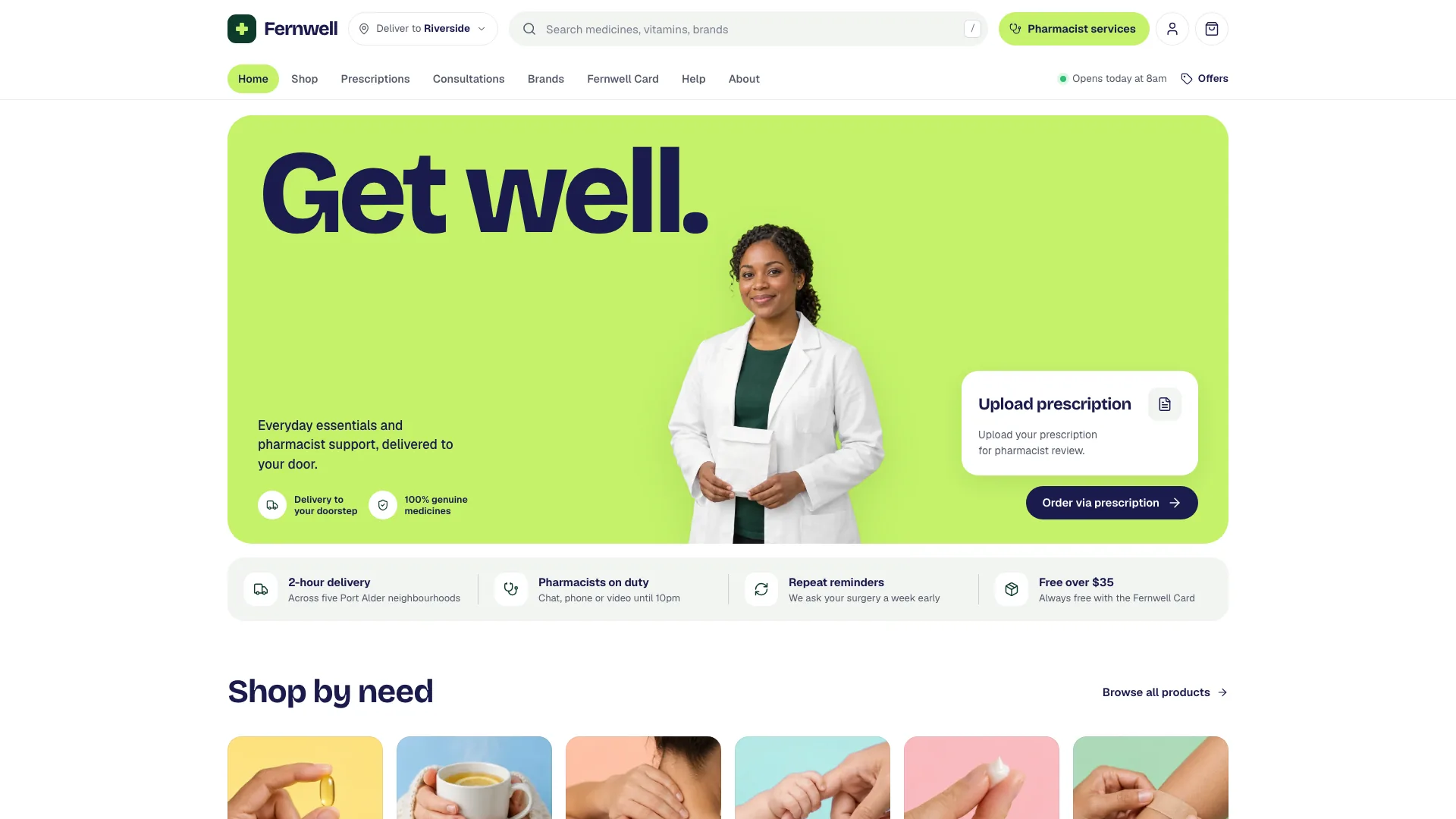
Create a pharmacy storefront where shoppers can browse products, compare pack options and explore prescription or consultation services in one bright visual system. Green Pharmacy Storefront supplies a fictional 31-route example with fourteen products and twenty-nine images. Lime framing, navy type, pastel categories and complete packshots give the catalog a clear hierarchy; orders, appointments, uploads and account access remain local demonstrations until services are connected.
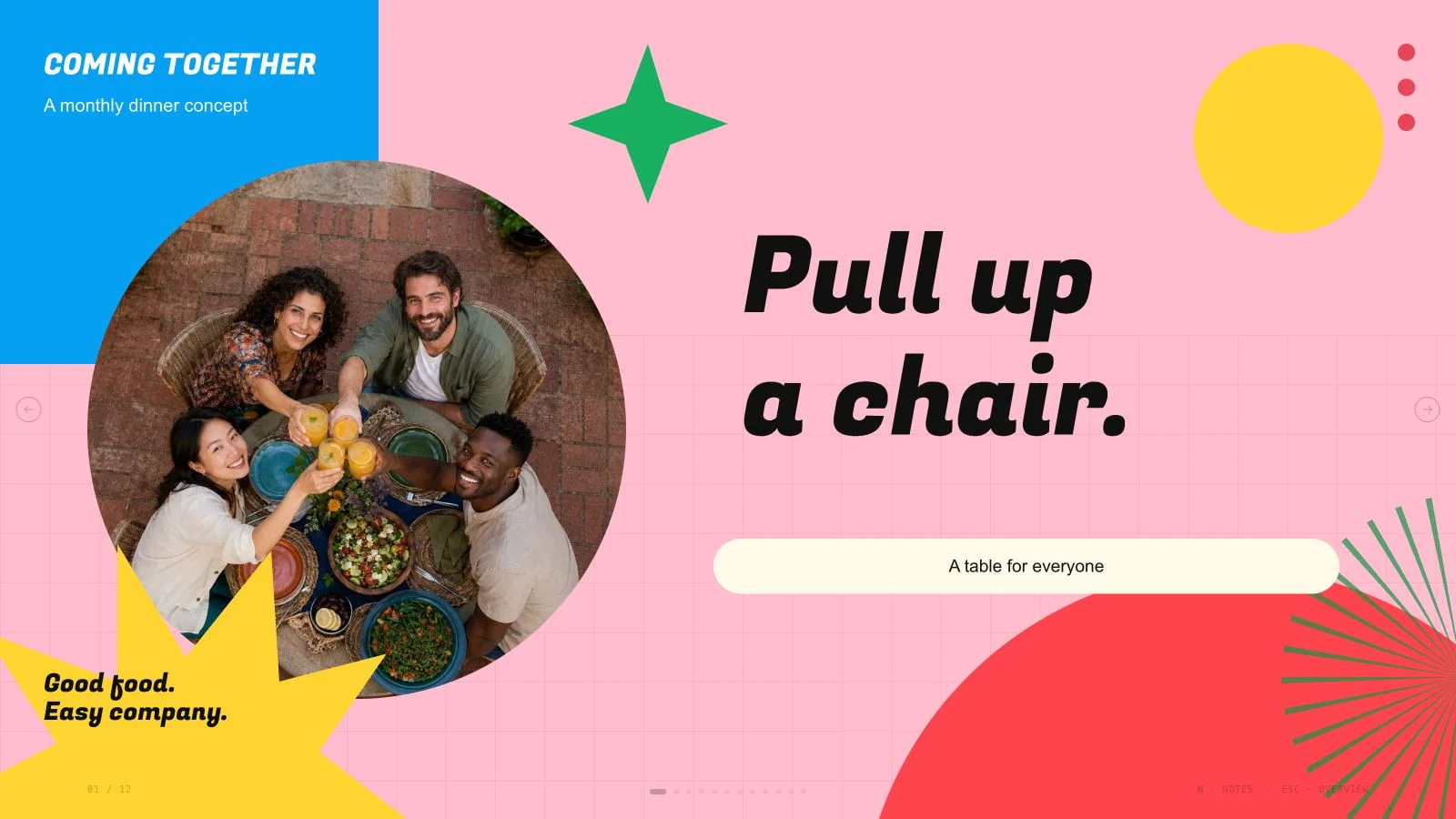
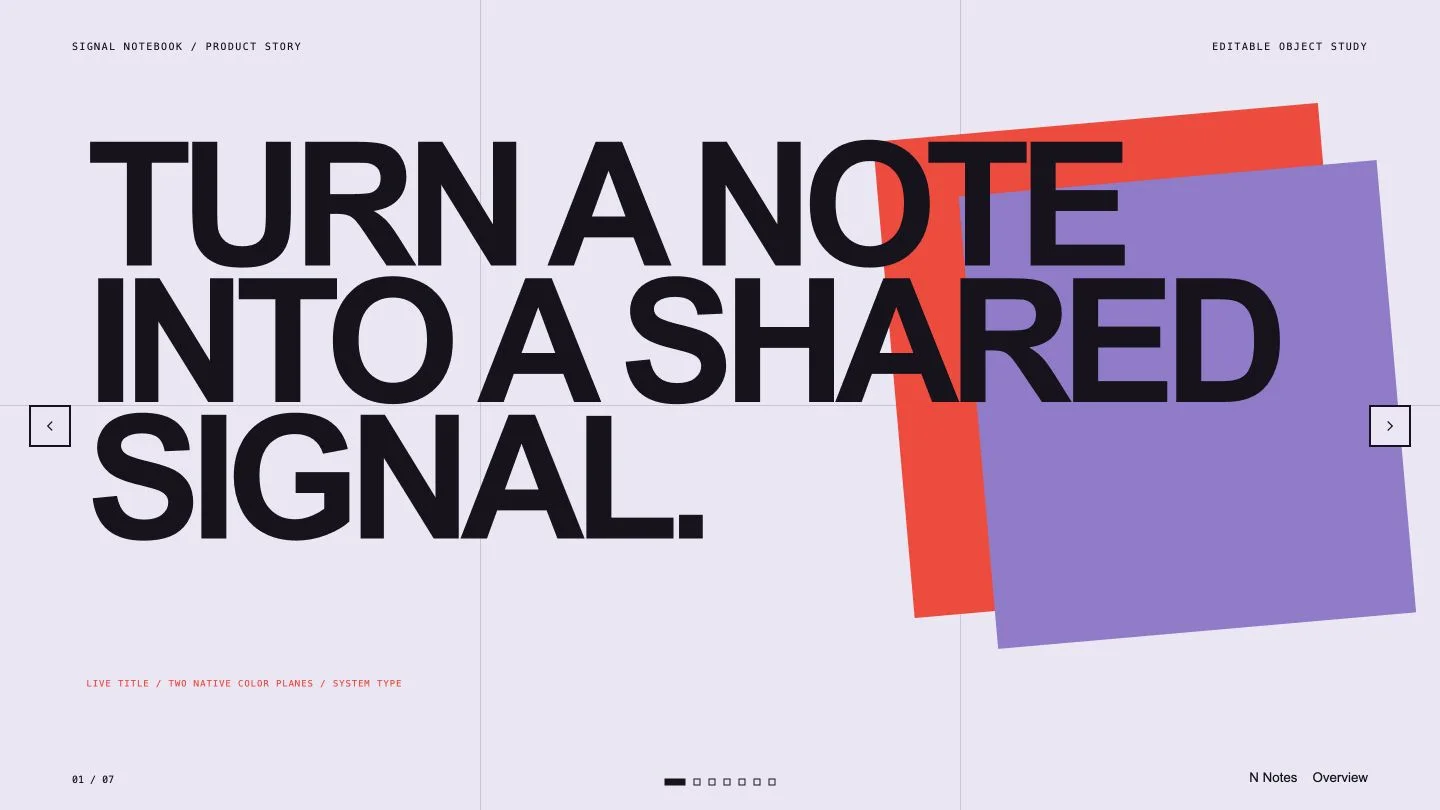
Turn ideas and evidence into a presentation with a clear point of view.
Explore slides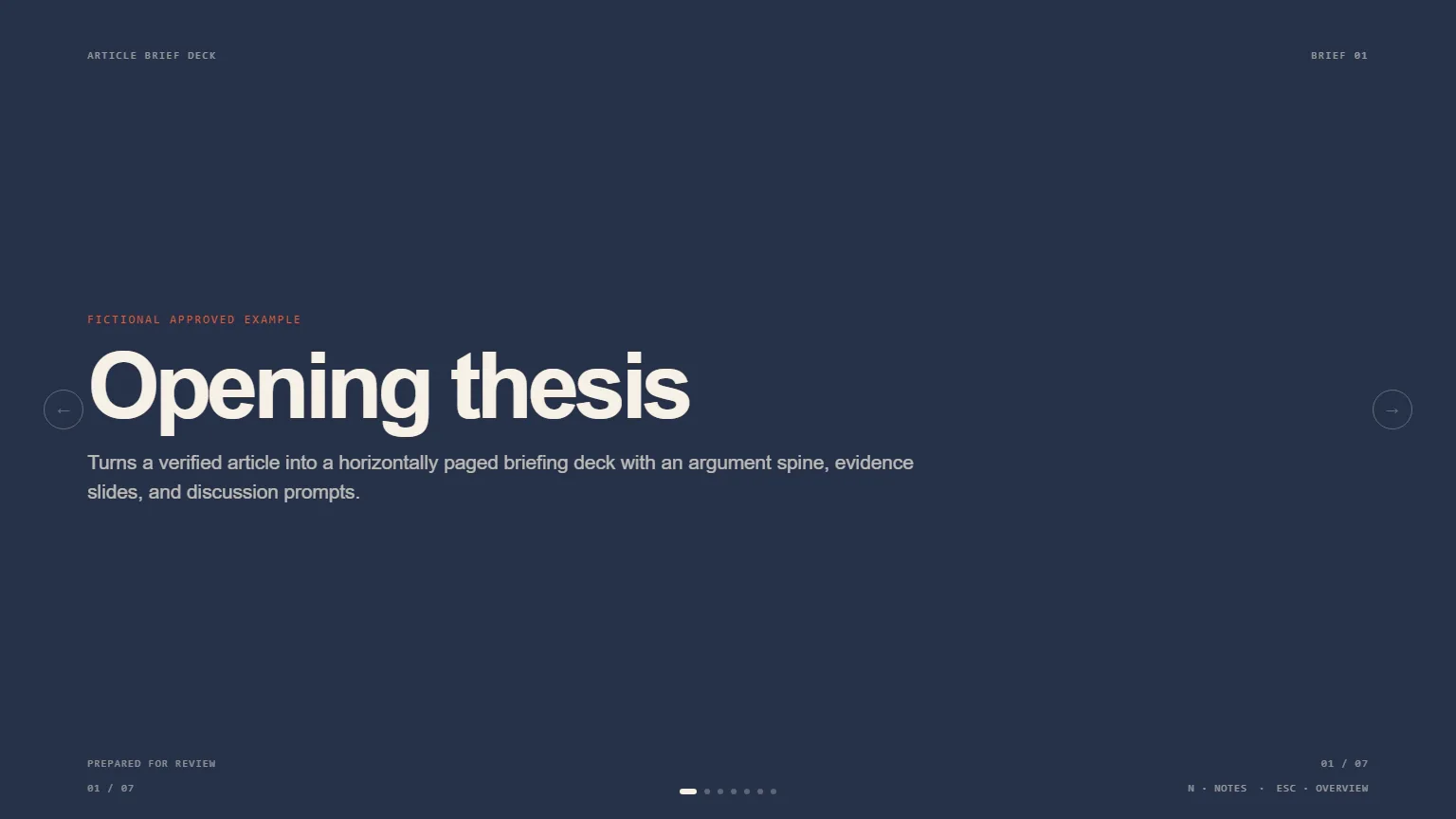
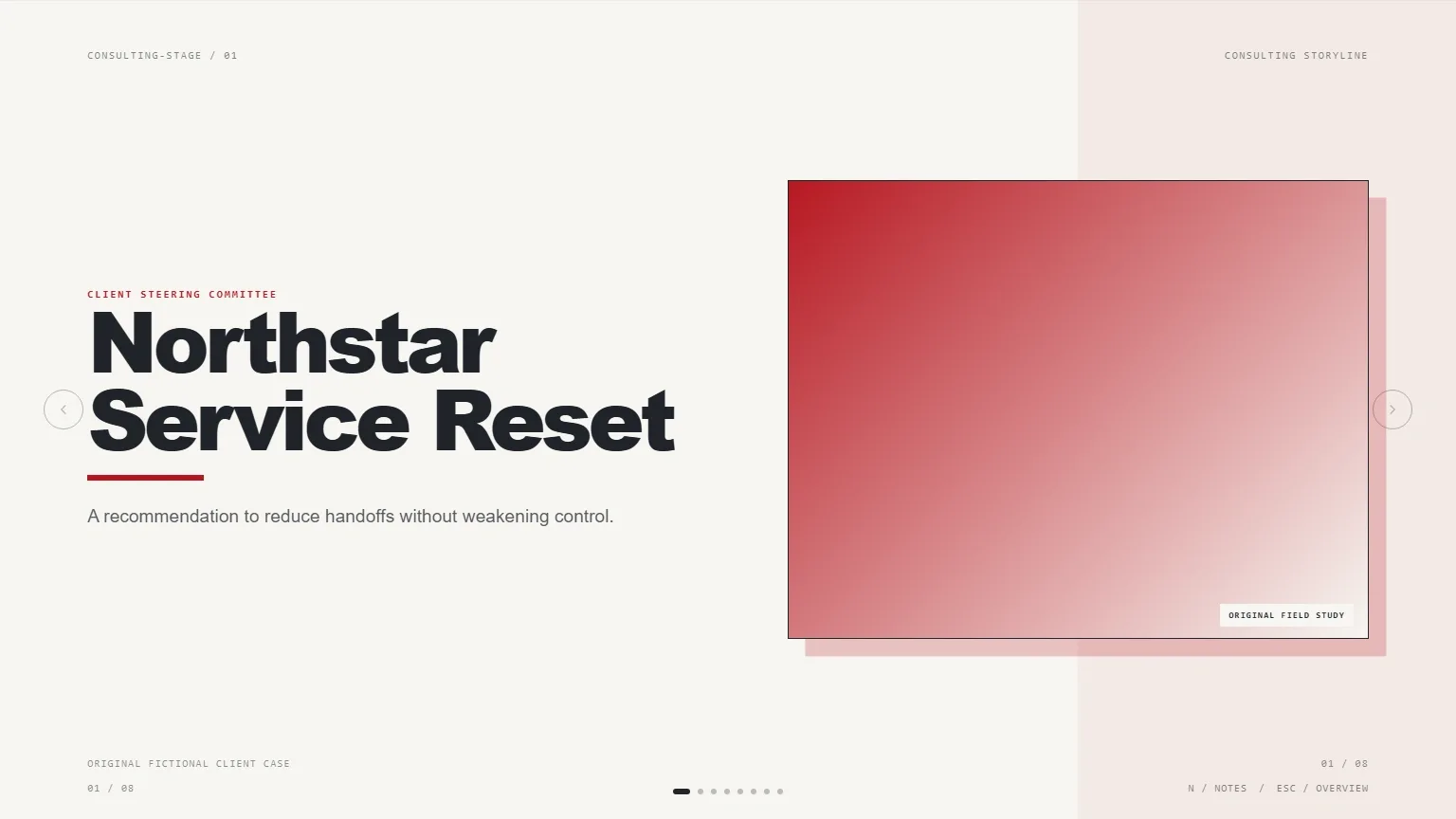
Brief an audience on one verified article without blurring its evidence and your interpretation. Article Brief Deck builds an opening thesis, a small number of argument beats, evidence pages and a discussion close. Quotes, figures and labels stay tied to approved source material, unresolved points remain visibly pending, and speaker notes provide the context that does not fit on the slide.
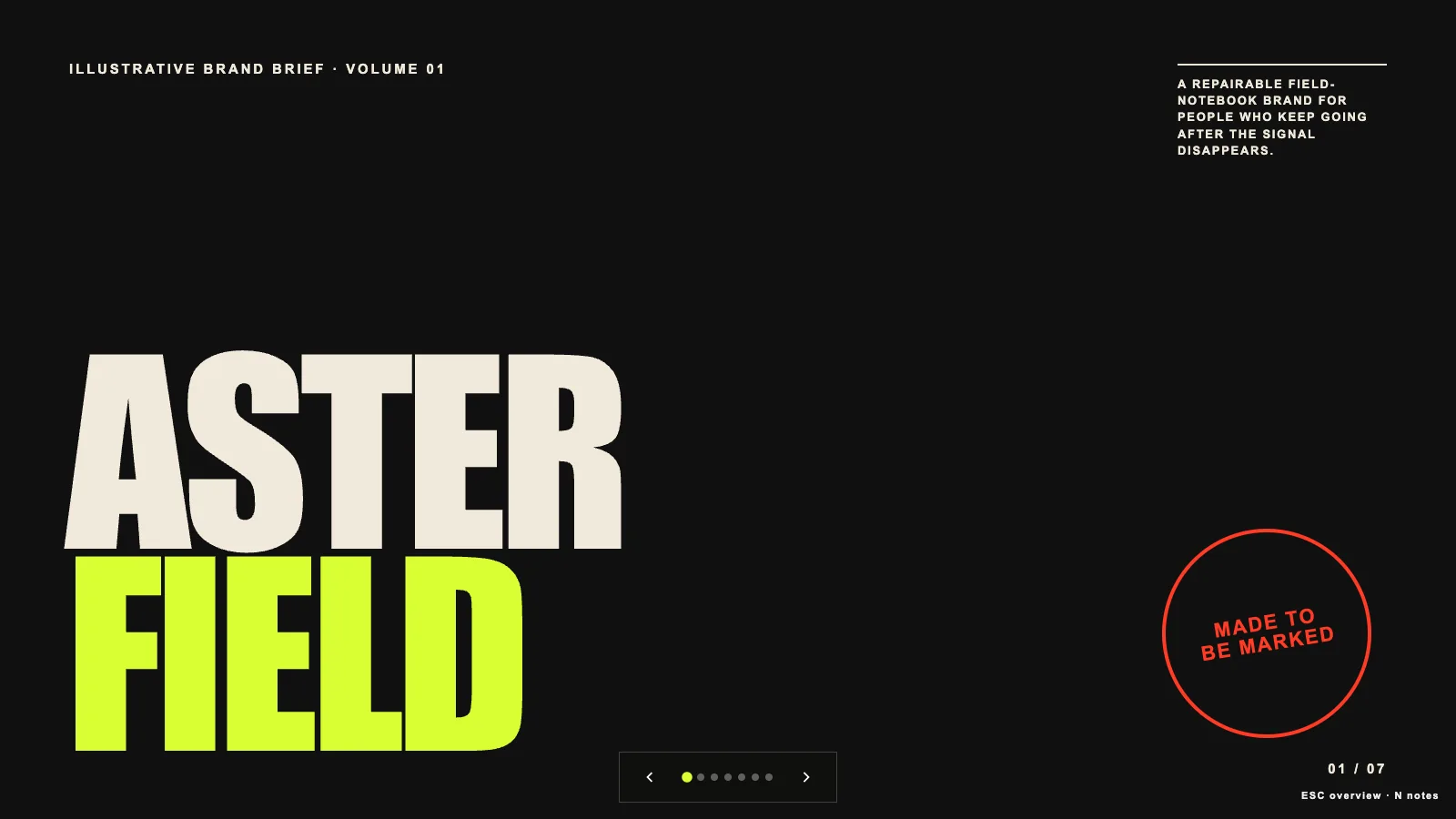
Explain why a brand exists before displaying its applications. Brand Story Deck turns an approved origin, tension, belief and promise into an editorial sequence with one statement per page. Condensed headlines, readable serif copy and a recurring clipped-corner motif connect the story to its visual codes, with editable 16:9 browser slides and a documented PowerPoint handoff.
Characters, illustrations and visual systems to make your next project yours.
Explore images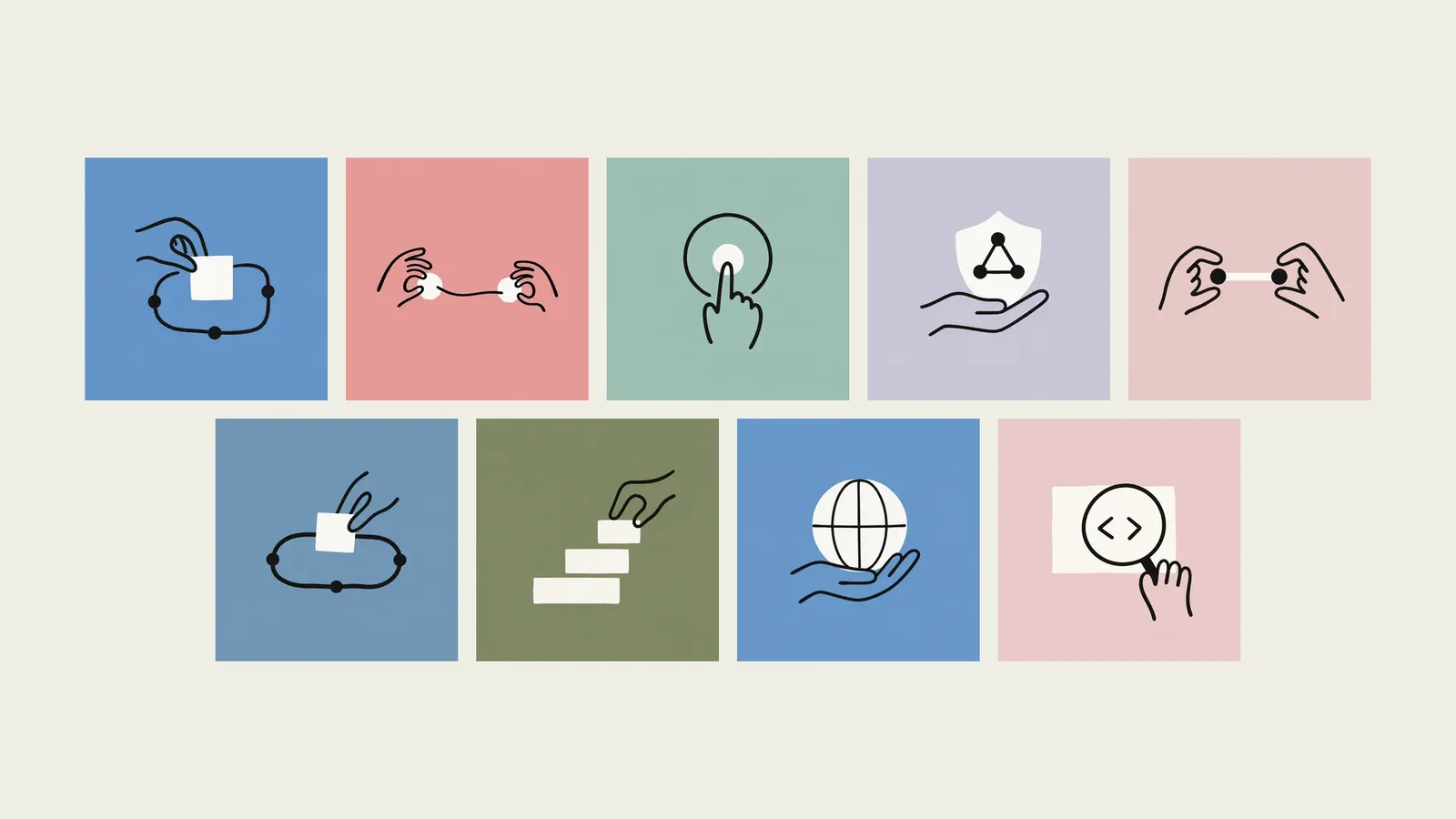
Turn one abstract idea into a quiet, wordless visual metaphor with a recognizable object and action. Claude Style Illustration combines a muted flat background, warm off-white silhouettes and loose near-black marker lines, with a separate normalization step for the strict flat-palette finish. This is an independent workflow, not an Anthropic product or endorsement.
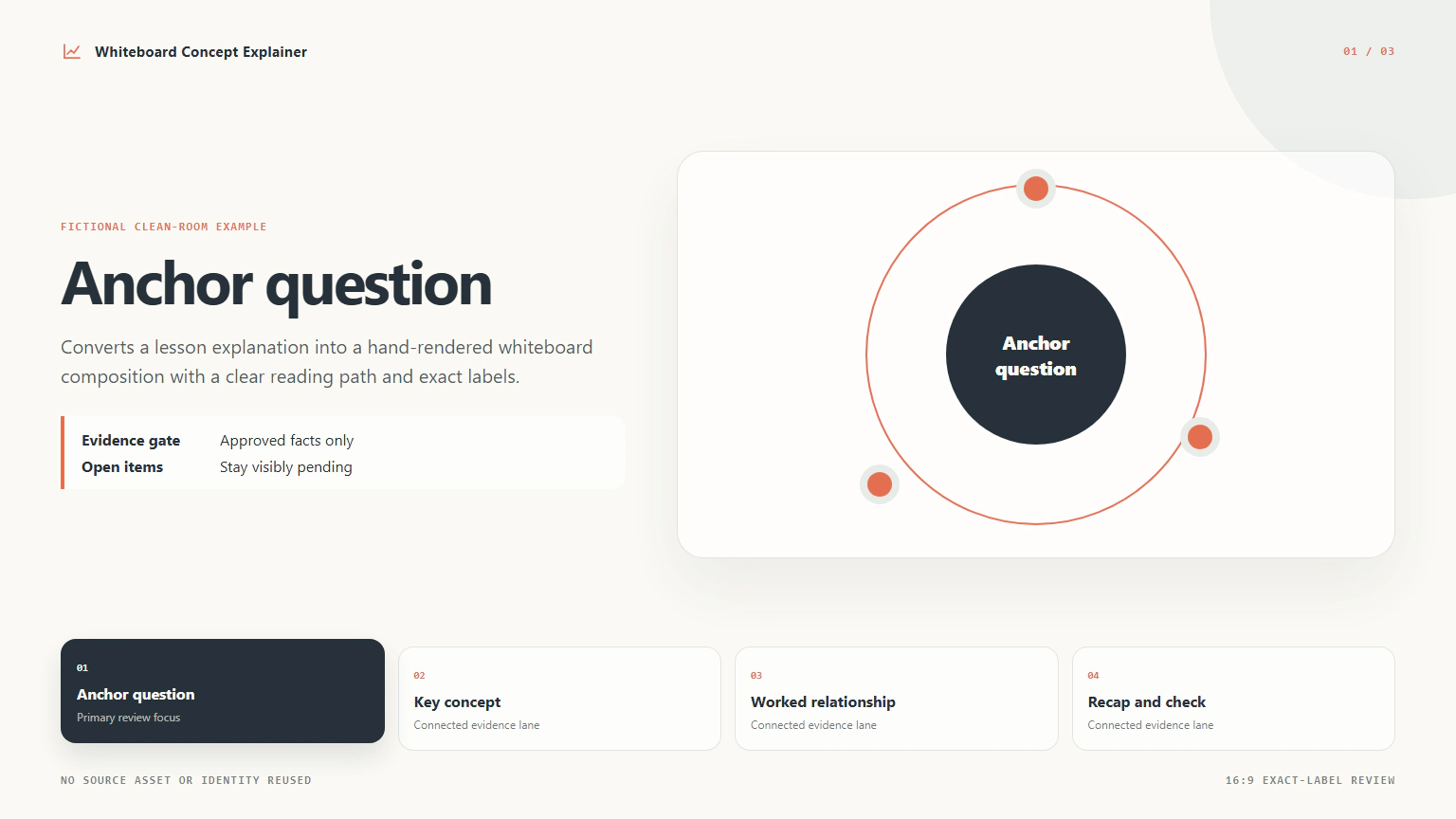
Build three HTML review views that explain one approved lesson through exact text, nodes, connectors and source notes. Whiteboard Concept Explainer uses deterministic layout rather than model-rendered lettering, with a ledger distinguishing facts, assumptions and open questions. Its supplied template is a starting structure to adapt, not a finished lesson or an automatically generated hand-drawn illustration.
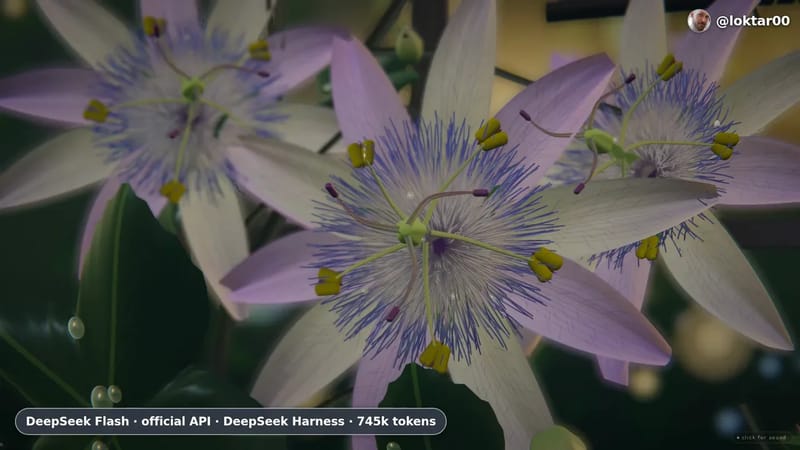
Launch videos, explainers and motion effects. Start with the result you want.
Explore video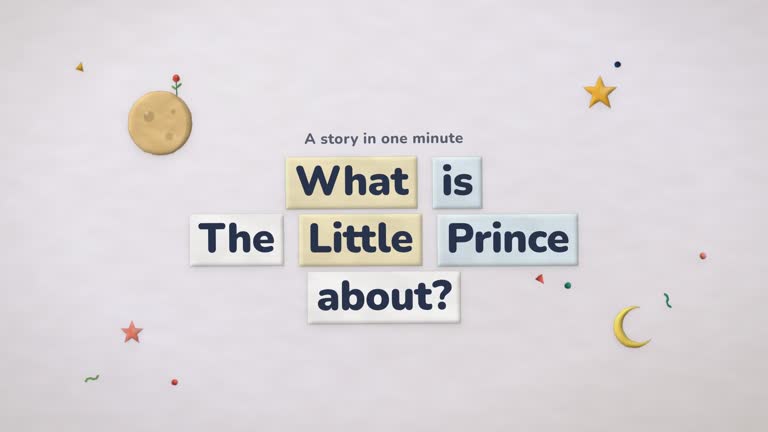
Explain a simple idea through a small world of animated paper pieces. Paper Cutout Story Video turns your topic, notes or message into a short story with soft clay-and-felt shapes, hand-cut edges, layered hills and a warm sun. Props and words enter one idea at a time, so the explanation can work visually without narration.

Make a brief launch argument that moves from a moment of possibility to a problem and then your answer. ASCII Glitch combines typed words, glyph-shaped light, tracking marks, fast product imagery and real launch posts in an approximately eighteen-second film. The structure and cut rhythm carry the energy; your short lines and chosen materials carry the meaning.
FRESH ON THE SHELF
Recently updated Skills from the library.
ROOM TO EXPERIMENT
A small project is a good place to learn a new method.
 +7
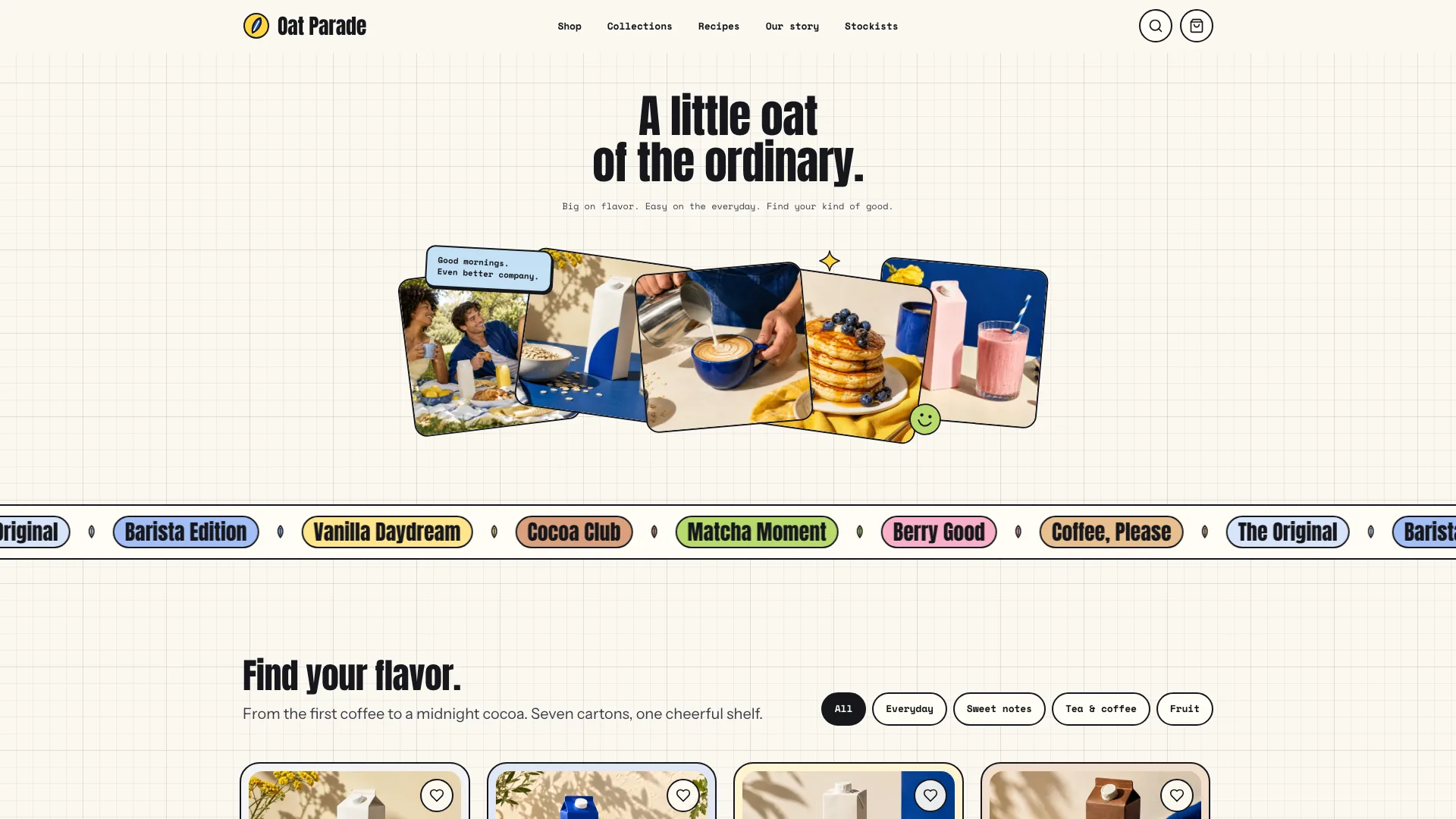
+7Use this Skill to build brand site.
 +7
+7Use this Skill to create presentation.
 +7
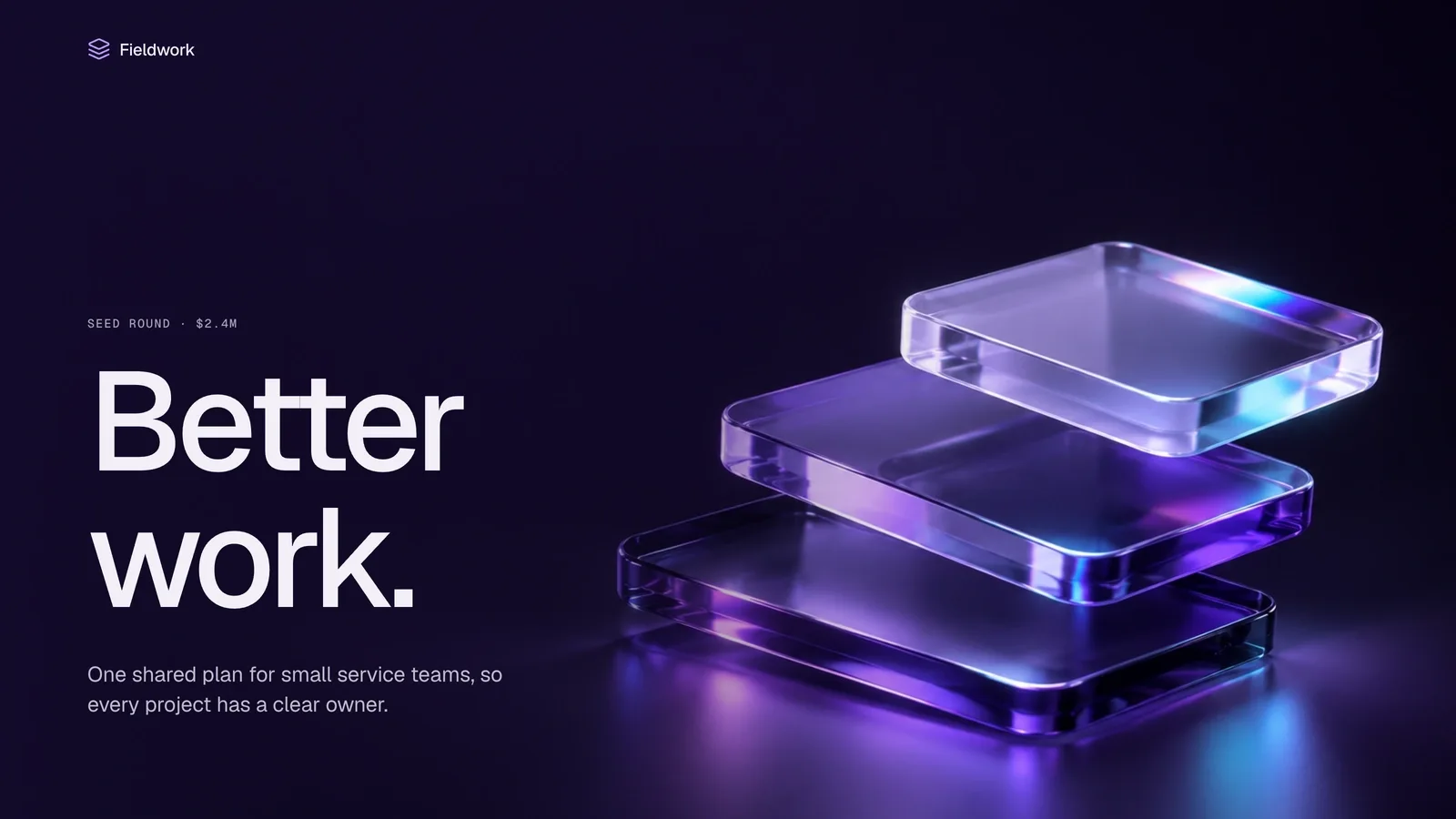
+7Use this Skill to create presentation.
 +7
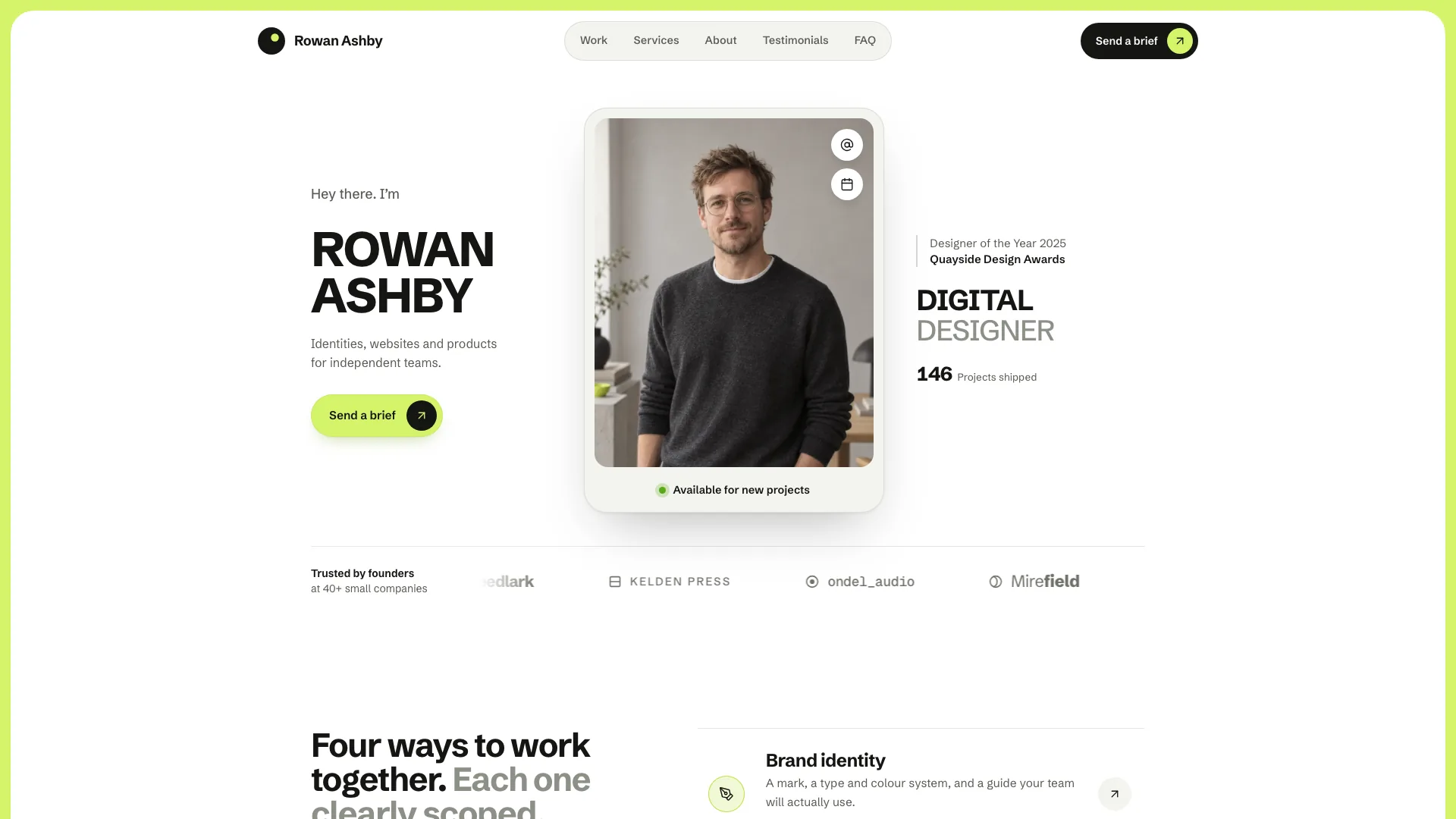
+7Use this Skill to build website page.
WATCH. THEN MAKE.
AI video work and the instructions behind it.
THE HOWAI FIELD GUIDE
Choose a method, set up your agent and try your first task. We’ll walk you through it.
Open the field guideA Skill is a reusable set of instructions and supporting files that helps an AI agent do a specific task. Start with a result you like, then use its Skill with your own content.
Open a Skill and choose Install Skill for setup instructions, or download the ZIP. The Learn guides cover installation through HowAI CLI and supported agents. Preview only means an installation package is not yet available on HowAI.
Check the Runs in section on each Skill for compatible agents, such as Claude Code, Codex and Cursor. Setup and any additional tools depend on the Skill; see its installation guide and requirements.
Some available packages are free; others require a HowAI Pro membership. Check the access options on each Skill before installing. AI model usage, external tools and other provider charges are separate from HowAI membership.
Previews show examples of what a Skill can make. Your result will depend on your inputs, agent, model and available tools. Follow the Skill’s requirements and review the output before using it.
Yes. Sign in and use Submit to request a Skill. Tell us what you want to make, what inputs you have and which agent you use. Requests are reviewed, and submitting one does not guarantee publication.